

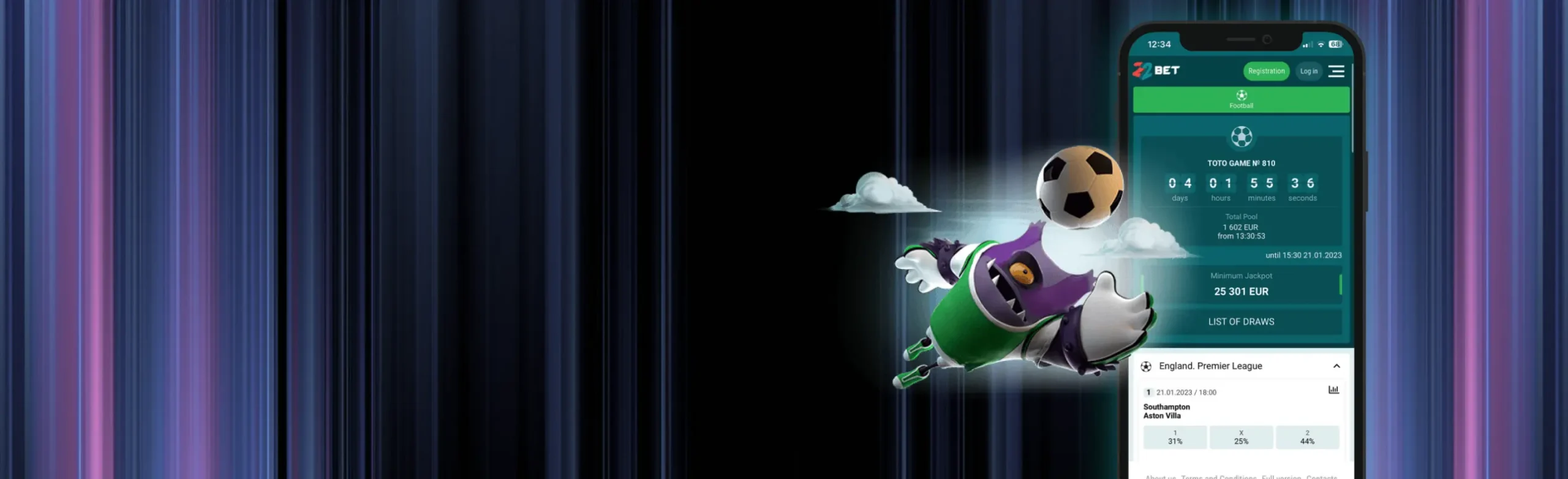
22Bet App
Nigerian players who like to bet and spin on their phones can use the 22Bet app to keep sports, live betting, and casino games in one place.
 Download
 Download
You can download the 22Bet app straight from the official site and get quick access to odds, slots, and your account balance wherever you are.
The mobile setup is simple. You install once, log in with the same details that you use on your desktop, and then move between football bets, live events, and casino titles without losing track of your bankroll. In the background, the 22Bet APK keeps things light and responsive, so the app runs smoothly, even on older or mid-range devices.
Install the app, make your first deposit, and unlock a 100% welcome package for sports or casino as a new Nigerian player.
The 22Bet Mobile App For Android
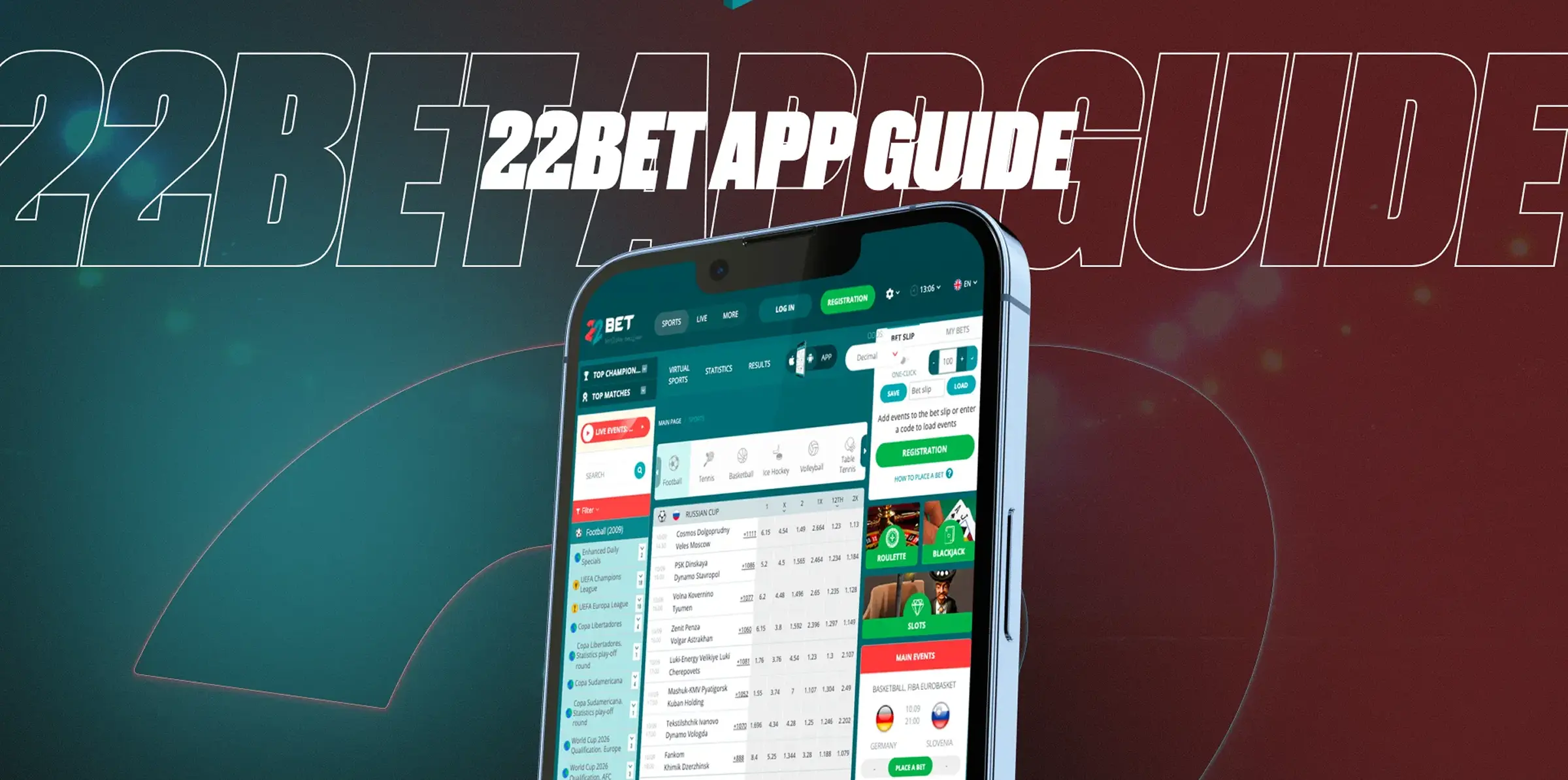
The 22Bet app download for Android happens directly from the main site, not from Google Play, which keeps the process quick and under your control.
How To Download The 22Bet App: Step-by-Step?
To get the 22Bet Casino app on your Android phone or tablet, follow these steps:
- Open your mobile browser and visit the official 22Bet website.
- Scroll to the Android section and tap the download 22Bet APK button.
- Wait for the APK file to finish downloading.
- Open the file and confirm that you want to install it.
- If your phone asks for permission, allow installs from this source in your security settings.
- Launch the app, log in, or create a new account if you are just starting out.
Once you have it installed, you can update the app by repeating the same steps whenever the site shows that a newer version is available.
Compatible Devices
The Android app is designed to work on a wide range of modern smartphones that support the 22Bet app experience.
In general, you are fine if your device has:
- Android 7.0 or later.
- At least 2 GB of RAM.
- Around 100 MB of free storage space.
- A stable internet connection on Wi Fi, 4G, or 5G.
Popular brands, such as Samsung Galaxy, Google Pixel, Xiaomi, Tecno, Infinix, Oppo, and OnePlus, usually meet these requirements without issues. If your phone handles other modern betting and gaming apps well, it will normally handle this one too.
Mobile App for iOS
There is no separate Nigerian listing in the App Store, but you can still use the 22Bet application on iPhone or iPad by setting it up as a Progressive Web App — also called a PWA.
A PWA looks and feels like a normal app icon, but it runs through your browser in the background. You still get quick access to sports, live betting, casino games, and your account tools.
How To Download And Install?
On iOS, you can turn the mobile site into an app-like shortcut:
- Open Safari on your iPhone or iPad.
- Go to the official 22Bet site and wait for it to load fully.
- Tap the share icon at the bottom of the screen.
- Choose “Add to Home Screen”.
- Confirm the name if you want, then tap “Add”.
An icon will appear on your home screen, and tapping it will open 22Bet in its own window — just like a normal app.
Compatible Devices
If your Apple device can run iOS 12 or later, you can safely download 22Bet as a PWA-style shortcut and enjoy the same layout on smaller screens.
This setup works smoothly on:
- iPhone 7 and later models.
- iPhone SE (2020 and later).
- Recent iPad Mini, iPad Air, and iPad Pro devices.
Make sure that you have a reliable connection on Wi Fi, 4G, or 5G, plus some free storage space for cached pages and game assets, so the games and live odds load quickly.
Sign UpFeatures Of The App
The app keeps everything focused on speed and ease of use, which matters a lot when odds are moving or when you just want a short casino session.
Some useful features include:
- Clean menus with quick links to sports, live, casino, and bonuses.
- A bet slip that is always one tap away, so you can confirm your picks fast.
- Live odds that update automatically during matches.
- Touch-friendly casino lobbies with tiles that are easy to tap.
- Simple access to your balance, history, and promotions in one place.
You also get the same account tools as desktop users, like deposits, withdrawals, limits, and verification — just arranged in a layout that makes more sense on a phone screen.
Registration Process Via The App
Signing up through the app is quick, but it is worth doing it carefully, so you avoid any payment issues later.
To register on mobile:
- Open the app or PWA and tap “Registration”.
- Pick your preferred sign-up type, such as phone, email, or full registration.
- Enter your country, currency, and contact details.
- Create a strong password and confirm that you are at least 18.
- Choose whether you want the sports or casino welcome bonus — or opt out.
- Confirm your account through the code or link sent by SMS or email.
Use the details that match your ID and your payment method. This makes verification and withdrawals much smoother later on.
Sign UpMobile Website Version
If you prefer not to install anything, the mobile website gives you the same core functions in your browser, with a clean layout that works well on most modern phones. It is a practical choice for users who want quick access without downloads or updates.
From the mobile site, you can:
- Place pre-match and live bets.
- Spin slots and play table games.
- Join live-dealer rooms.
- Make deposits and withdrawals.
- Browse promos and basic info without installing extra files.
You can also add the site to your home screen from your browser menu, which creates an app-like shortcut for faster access. It is a good option if you are low on storage but still want quick access and a smoother day-to-day experience.
Mobile Games
Most of the slots, table games, and live-dealer titles on the platform are optimised for mobile play, so gameplay stays smooth, whether you are at home or on the move. Menus, game lobbies, and bet controls are usually simplified to fit smaller screens without losing key features.
On your phone, you can:
- Try popular slots with free spins, wilds, and bonus rounds.
- Play blackjack, roulette, baccarat, and poker-style games.
- Join live casino tables with real dealers and real-time rounds.
- Test instant-win and crash-style games when you have a few spare minutes.
The controls are built for touch, with large buttons and clear betting panels, so you are not fighting tiny icons while you play. If your connection is weaker, start with regular slots and tables first, then move to live games when your signal is stable for better video quality and fewer interruptions.
Sign UpMobile Betting
On the sports side, mobile betting is designed for quick decisions, especially when you follow matches live. The interface is usually built to let you move between markets, odds, and your bet slip without too much scrolling, which helps when prices change fast.
You can:
- Build single bets, accumulators, and system bets in a few taps.
- Follow live scores and odds on the same screen.
- Use quick stake buttons to set your usual amounts fast.
- Check open bets and use cashout — when the feature is available.
A simple way to avoid mistakes is to set a budget before you start, keep your stakes steady, and double-check your bet slip before confirming any live bet. That way, the app stays a useful tool instead of becoming a source of stress, especially during fast-moving live events.
Commonly Asked Questions
Does The 22Bet App Use More Data Than The Mobile Website?
Is The Mobile Experience Different From The Desktop Site?
Can I manage deposits and withdrawals on my phone?
Does the app use a lot of data?